Products
ProductsSolutionsApplications
Resources




There's a new version of this product:
DCS-8000LHV2
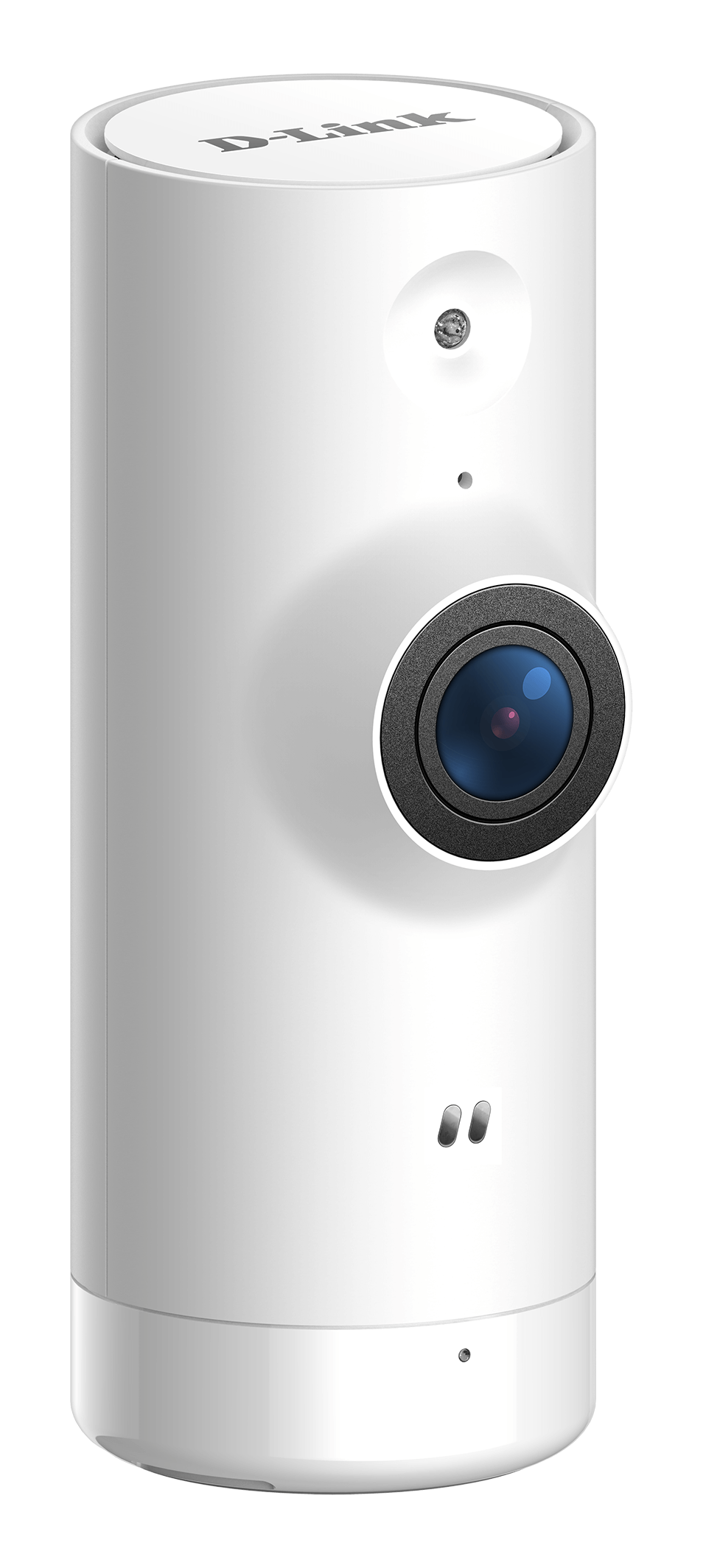
Mini Full HD Wi-Fi Camera
Overview
Overview

High-quality 720p HD resolution with a 4x digital zoom provides a clear picture.

Our smallest camera allows for discreet placement.

Download the free mydlink™ app and follow the step-by-step instructions.

Alerts you with a mobile or tablet notification and starts recording. Customise settings, and interact with other mydlink devices.

Save video clips automatically to the secure mydlink™ Cloud. Learn more

See in the dark for up to 5 metres with the built-in infrared night vision.

Works with mydlink smart home devices, Amazon Alexa and Google Assistant.

View and control the camera anywhere with internet access.
The Mini HD Wi-Fi Camera allows you to monitor, day or night, whether you are at home or away. Built-in night vision together with motion and sound detection, alerts you instantly when something unexpected happens, giving you extra peace of mind with the latest in home security cameras.


Versatile home security camera vision with 120-degree wide viewing angle and 4x digital pinch-to-zoom.

Receive alerts immediately on your smartphone or tablet when motion or sound is detected.

See your home, even in complete darkness, so that you know what’s happening at home 24/7 with built-in infrared LED.

The Mini HD Wi-Fi Camera can be placed discreetly, anywhere within your home. It is the smallest camera in the D-Link camera range.

Includes wall mount bracket, providing additional flexibility to help you get the best view.

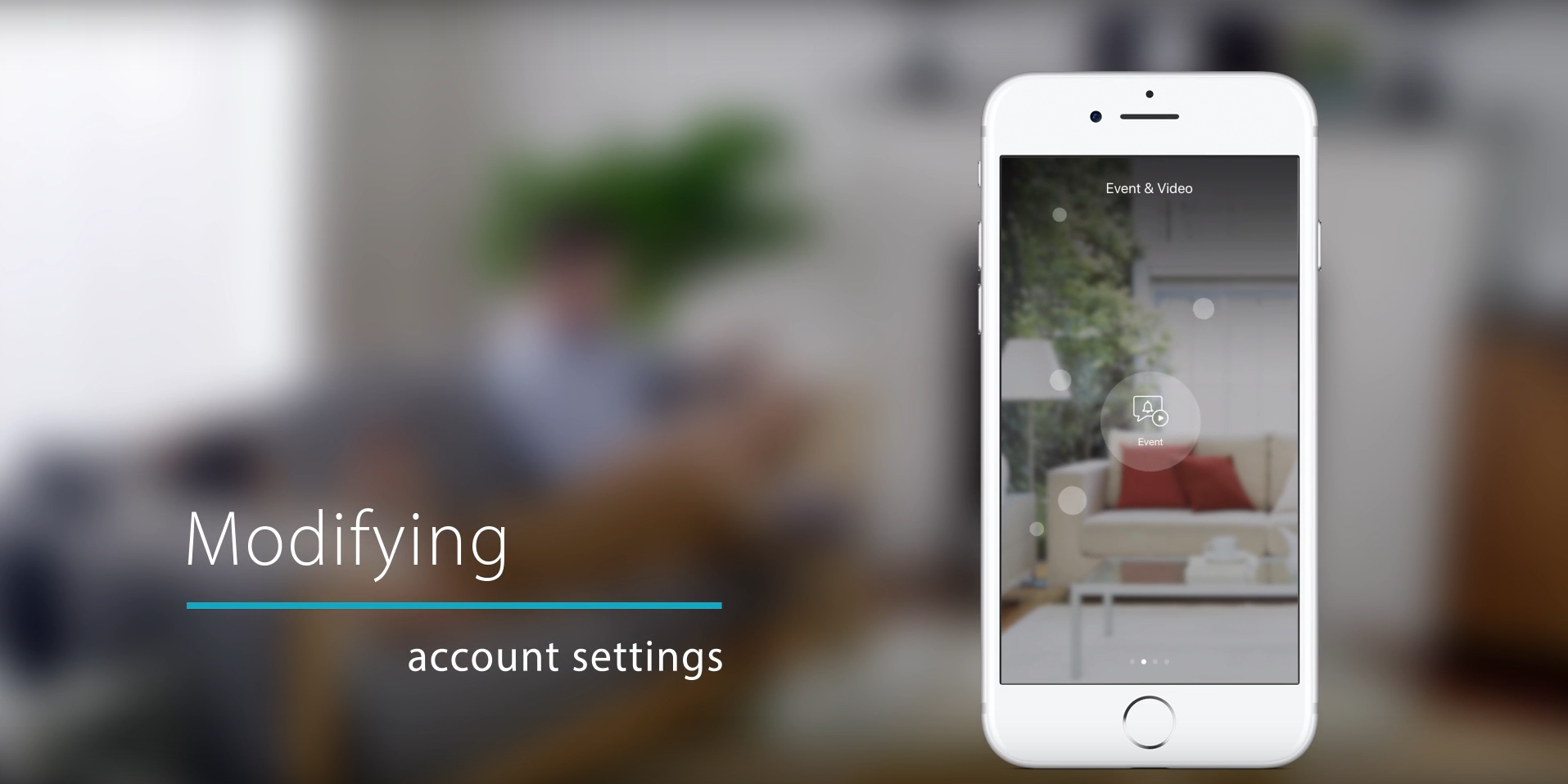
It’s simple to set up your camera with the mydlink™ app for your phone or tablet. Once set up, you can view and control your camera from anywhere with internet access.
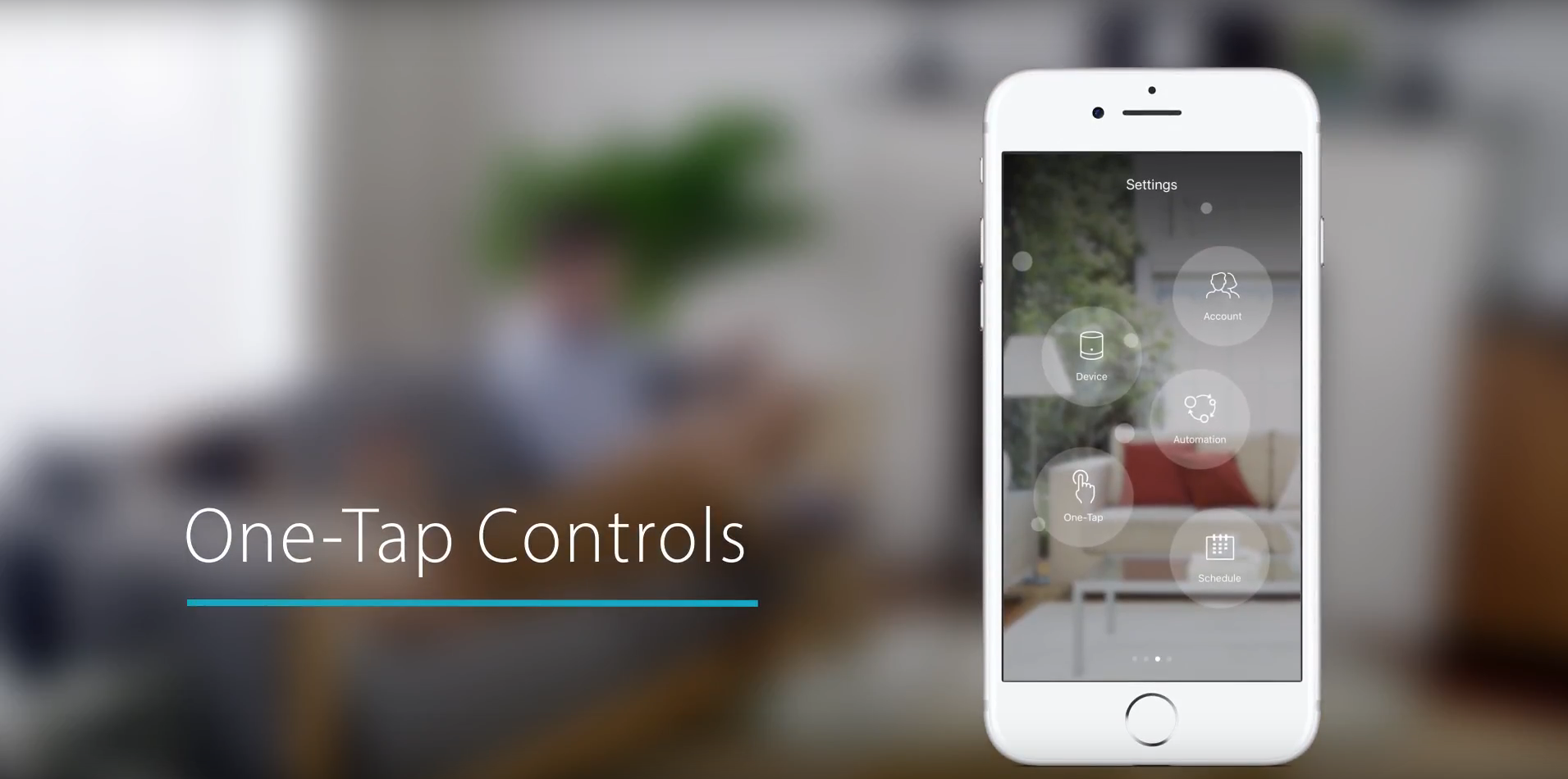
With compatible mydlinkTM smart home products, you can create automation rules for interactions and scheduling. Create scenes for when you arrive home or leave. And the One-Tap feature allows you to turn on and off multiple devices easily.




Rich push notifications allow you to see more of what's happening, and gives you the option to choose actions like see the Live View, or call a neighbour, all without unlocking your phone and logging into the mydlink™ app.

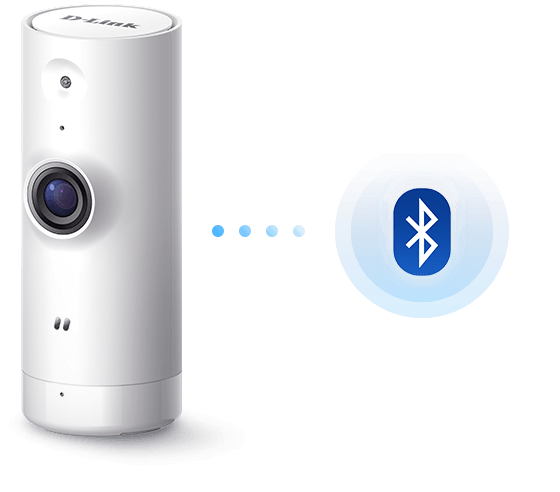
Setting up the camera quick and easy with the mydlink app. Simply download and install the app on your smartphone or tablet and follow the step-by-step instructions. You can also set up the camera using Bluetooth.
Make your home life easier by setting up mydlink home automation actions combinations. Turn a light on automatically when motion or sound is detected or send an alert to your mobile. Creating ‘recipes’ of actions get your smart home devices interacting with each other to give you more control and save you time.
The camera is fully compatible with Amazon Alexa and Google Home/Chromecast devices so you can easily see what’s happening at home when your hands are full.



Innovative end-to-end solution experts for small businesses to large corporations around the world.

Skilled local support in 16 countries. Our support teams are ready to help you.

You're protected by one of the global leaders in the industry.
|
Indoor/outdoor
|
Indoor |
|---|---|
|
Resolution
|
HD 1 megapixel |
|
Image sensor
|
1/4" 1 megapixel progressive scan CMOS |
|
Maximum Video Resolution
|
1280 x 720 (16:9) |
|
Lens
|
2.45 mm F2.4 Fixed |
|
Infrared-Cut Removable Filter
|
Supported
|
|
Night vision
|
Supported
|
|
Night vision range
|
5 m |
|
Built-in Microphone
|
Supported
|
|
Connectivity
|
Wireless |
|
App Support
|
mydlink |
|
Video Format
|
H.264 |
|
Mobile Stream
|
Supported
|
|
Digital Zoom
|
4x |
|
Motion Detection
|
Supported
|
|
Sound Detection
|
Supported
|
|
Features
|
Cloud Recording Voice control works with Amazon Alexa or Google Assistant mydlink Automation |
|
Access via mydlink web portal
|
Supported
|






| Version | Date | Type | File Size | |
|---|---|---|---|---|
| Datasheet | - | 0.61mb | Download |
| Version | Description | Date | Type | File Size | |
|---|---|---|---|---|---|
| Manual 1.03 RevA3 | Product Manual | 15.9.2020 | - | - | Download |
| Manual 1.02 RevA3 | Product Manual | 5.8.2020 | - | - | Download |
| Manual V2 1.00 RevA1 | Product Manual | 27.3.2020 | - | - | Download |
| Manual 1.00 RevA3 | Product Manual | 2.12.2019 | - | - | Download |
| Product Manual | - | 15.11.2017 | - | - | Download |
| Version | Description | Date | Type | File Size | |
|---|---|---|---|---|---|
| QIG 1.00 RevA1 | Quick Installation Guide | 2.12.2019 | - | - | Download |
| QSG 1.01 RevA1 | Quick Setup Guide | 4.11.2019 | - | - | Download |
| QIG 1.01 RevA1 | Quick Installation Guide | 26.9.2019 | - | - | Download |
| QSG 1.00 RevA1 | Quick Setup Guide | 23.9.2019 | - | - | Download |
| QIG 2.00 Revision A2 | Quick Installation Guide | 6.6.2018 | - | - | Download |
| QIG 3.00 Revision A3 | Quick Installation Guide | 6.6.2018 | - | - | Download |
| QIG | - | 23.11.2017 | - | - | Download |
| Version | Description | Date | |
|---|---|---|---|
| CE Doc 2.30 RevA3 | CE documentation | 9.12.2019 | Download |
| CE Doc 2.20 RevA3 | CE documentation | 29.11.2019 | Download |
| CE Doc 1.10 RevA1 | CE documentation | 29.11.2019 | Download |
| CE Doc 1.00 RevA1 | CE documentation | 8.10.2019 | Download |
| CE Doc 2.10 RevA3 | CE documentation | 16.7.2019 | Download |
| CE Doc 2.00 RevA3 | CE documentation | 6.6.2019 | Download |
| CE Document | - | 18.8.2017 | Download |
